

Whole pages, not just parts: blocks for Vue and React
Server-rendered, accessible sections built on shadcn/ui conventions and themed by one set of tokens. Copy any of them into your project with the shadcn CLI, and own the code.
Vue, Nuxt, React and Next.js · server-rendered and accessible
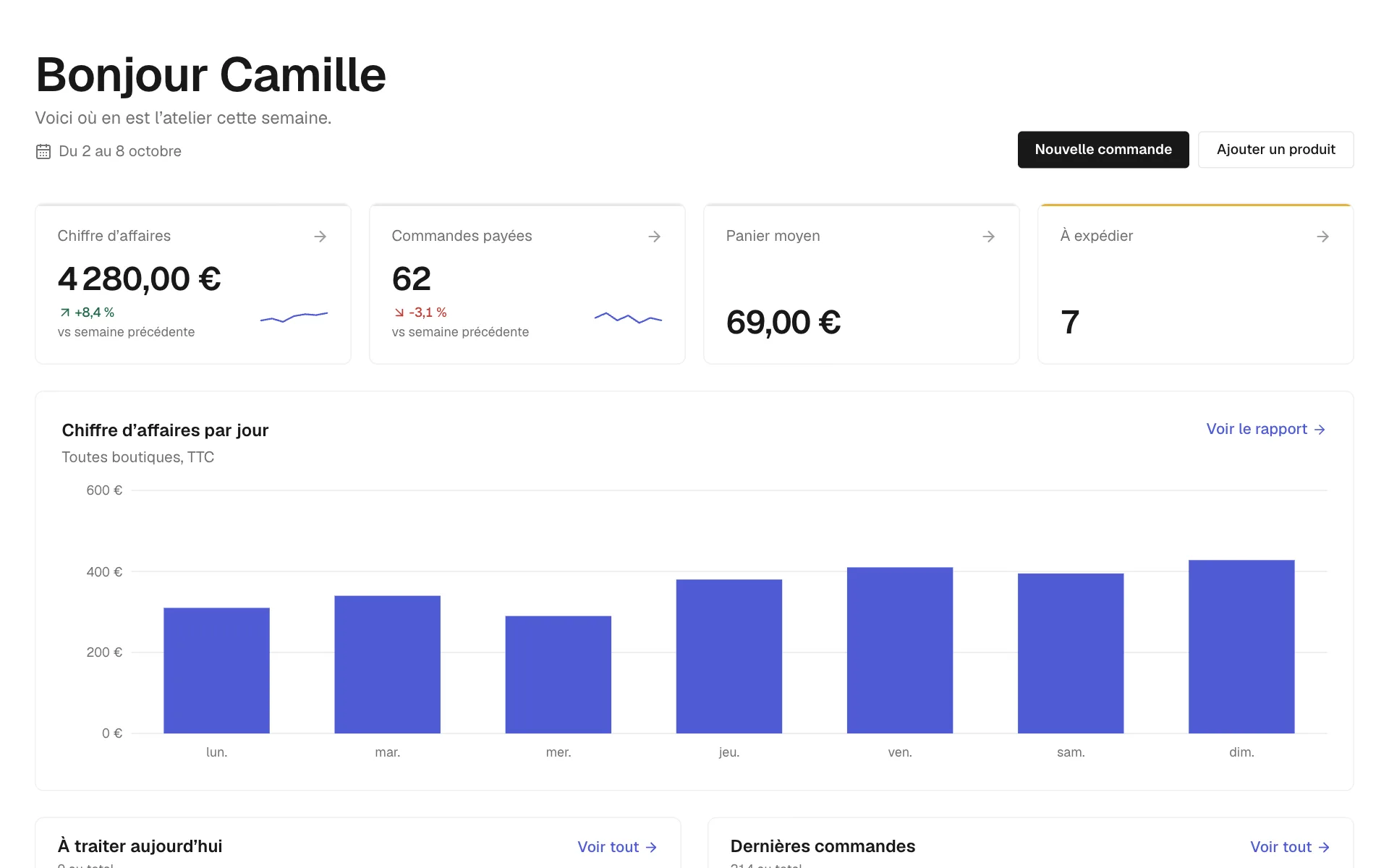
saas.Dashboard: figures, a chart and the day’s work, with the app shell around it.

landing.FeatureBento: a feature grid with the first tile told large.

commerce.ProductGrid: a filtered catalogue, sorting and quick add.
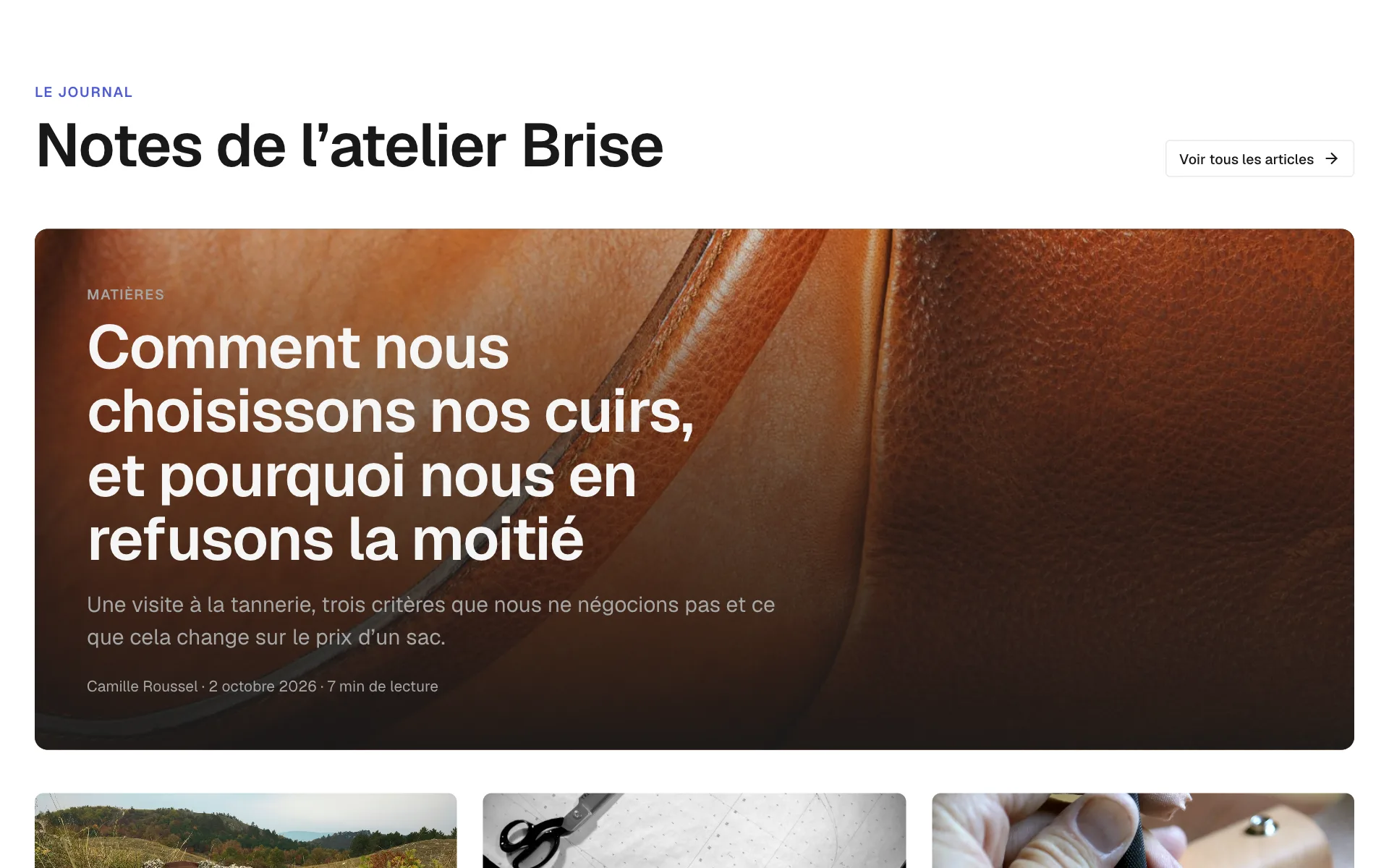
editorial.FrontPage: a lead story, a column of briefs and the latest issues.
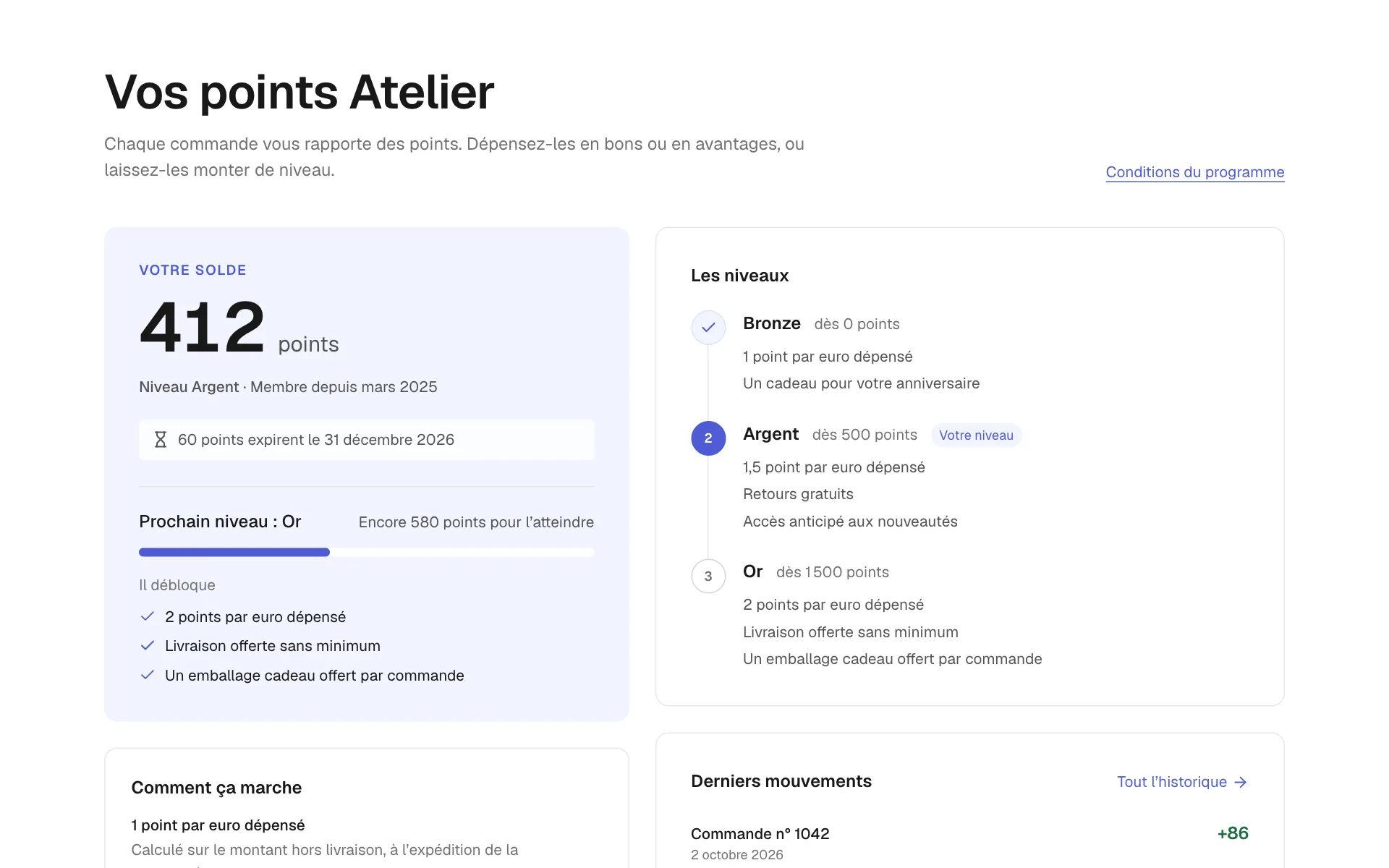
account.LoyaltyPoints: a balance, the tiers and the latest movements of a loyalty programme.
Made with the stack you already use
 Vue
Vue Nuxt
Nuxt React
React Next.js
 shadcn/ui
 Reka UI
 Radix UI
 Tailwind CSS
 TypeScript
 Vite
Vite Zod
Zod Astro
Astro
- blocks in 7 families
- 752
- variants, each one installable alone
- 1471
- components, Vue and React
- 99
- themes from one set of tokens
- 25
Live, not screenshots
Every block runs right here
Resize it, switch it to dark, read its code in Vue or React — then copy one command.
752 blocks across 7 families and 38 categories
1471 variants covering every part of a site or an app: landing pages, shops, dashboards, accounts, content.
Every kind of page
Seven families, from the landing page to the account area
One block is one intention; each variant is one way to show it.
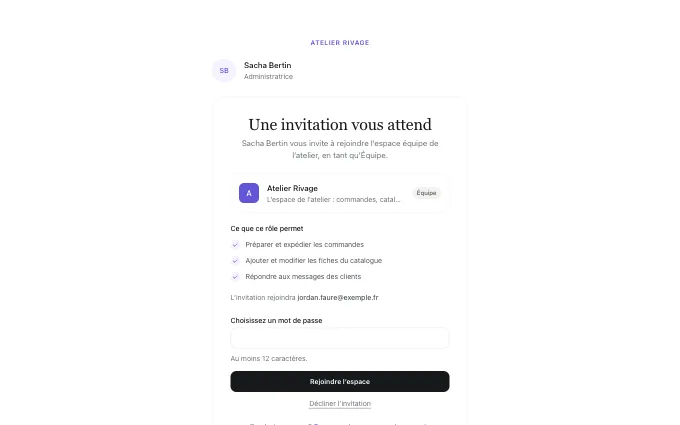
Account
Sign-in, profiles, orders, addresses and memberships. 45 blocks.
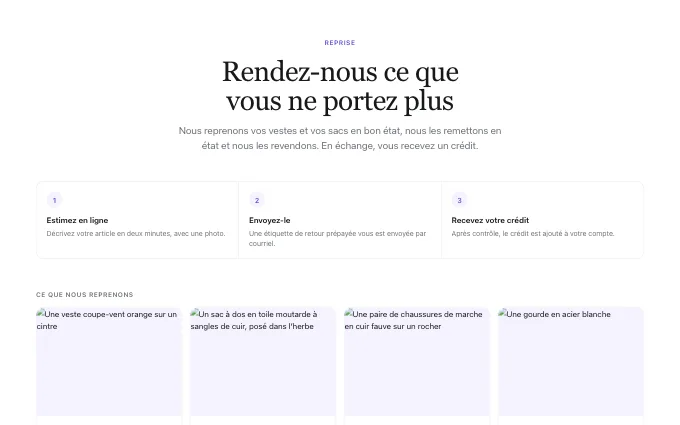
Commerce
Product grids, product pages, carts, checkout and collections. 222 blocks.
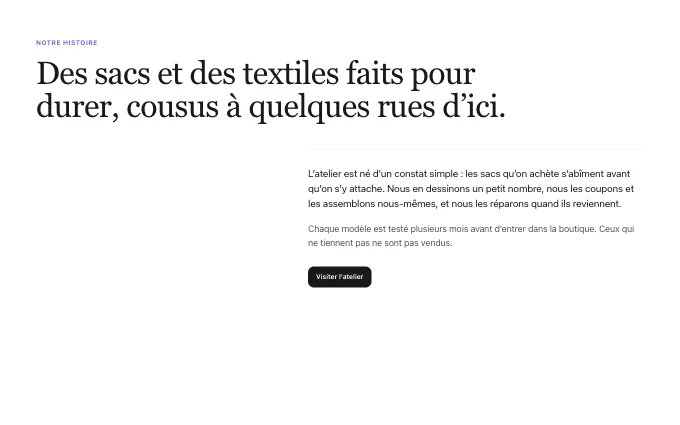
Content
Statements, FAQs, logos, stats, galleries and service pages. 201 blocks.
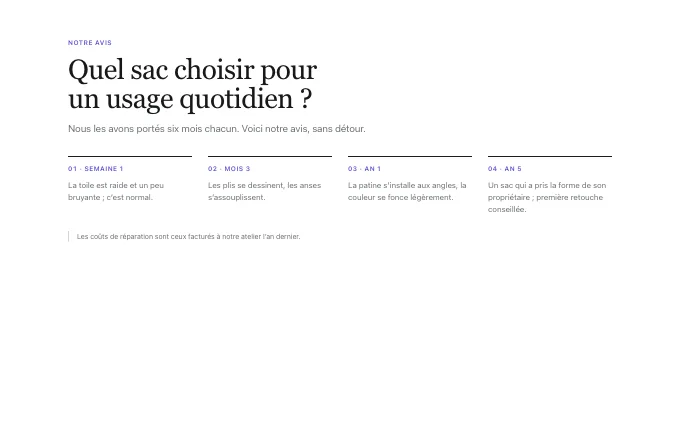
Editorial
Journals, articles, changelogs, docs and help centres. 56 blocks.
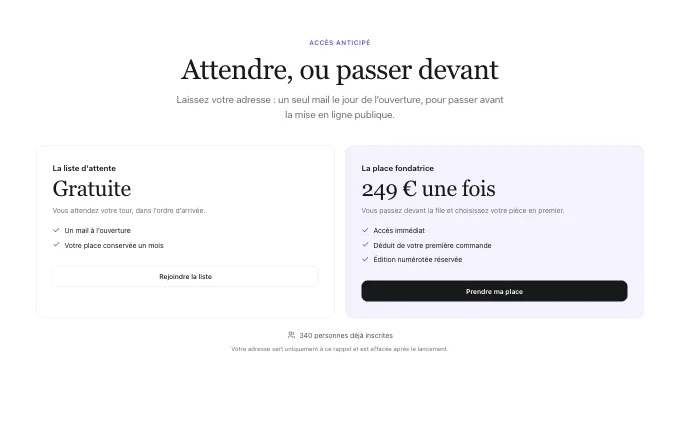
Landing
Heroes, features, pricing, proof and closings for marketing pages. 97 blocks.
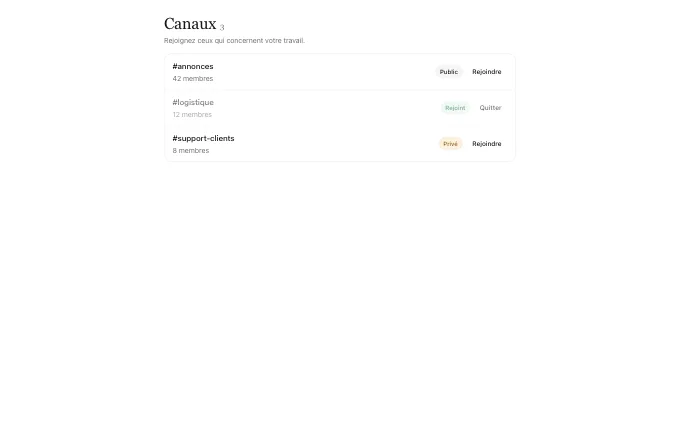
Saas
Dashboards, settings, billing, tables and app screens. 99 blocks.
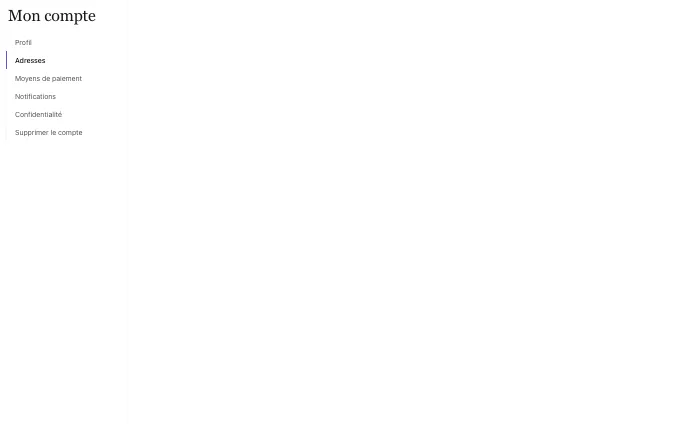
Shell
Navbars, footers, menus, banners and app shells. 32 blocks.
Why Trame
Built to be used, changed and trusted
Copy, don’t depend
Every component, block and variant is an item of a shadcn-compatible registry: one command copies the code into your project, yours to change.
One markup, every theme
Colours, type, radius and motion come from DTCG tokens. Switch the theme and every block follows — nothing to rewrite.
Vue and React, same pixels
Each block exists in both, with the same schema, the same demos and the same HTML, proved by a parity check.
Complete server render
Every word a visitor reads is in the server HTML. No layout shift, nothing hidden until JavaScript runs.
Accessible by default
Real buttons and links, a visible focus, a keyboard path; axe passes in light and dark.
Honest by design
No invented reviews, logos or figures: a block shows what you give it and hides what is absent.
Themes
One markup, 25 themes
A theme is only a stylesheet of tokens. Pick one: the block below changes without a single class being rewritten — and so does every preview on the site.
From the gallery to your page in four moves
No package to keep up to date and no lock-in: the code is copied into your project and becomes yours.
Pick a block
Browse 752 sections by family and kind, live in every theme, light and dark.
Copy it in
One shadcn command adds the block, its parts and the components it needs.
Theme it
Choose a theme or generate your own from a few decisions: colours, type, radius, motion.
Ship it
Server-rendered and accessible out of the box, in Vue or React.
Install any of it with one command
Declare the registry once in components.json — React projects point at /r/react/ — then add components, whole blocks or a single variant. The code lands in components/trame/, with everything it needs.
# components.json — once
"registries": {
  "@trame": "https://trame-ui.com/r/vue/{name}.json"
}

# then a component, a whole block, or one variant
npx shadcn-vue@latest add @trame/button
npx shadcn-vue@latest add @trame/landing-steps
npx shadcn@latest add @trame/landing-steps--cards- A component
With its own pieces and the theme it needs.
- A whole block
Every variant, its parts, schema and demo.
- One variant
Only what that variant uses.
Questions
Before you start
Do I need an account?
Not to browse: every block and component runs live in the gallery, in every theme. To read and copy the code, sign in with GitHub or an email link.
Do I need the @trame-ui npm packages?
No. The registry copies the source into your project; the only dependencies are public ones (Vue or React, Reka UI or Radix, Tailwind, lucide, zod).
Vue or React?
Both. All 752 blocks and 99 components exist in each, with the same schema, demos and HTML.
Which frameworks are supported?
Anything that runs Vue 3 (Vite, Nuxt) or React 19 (Vite, Next.js with server components). Styling is Tailwind CSS v4.
How do themes work?
Every colour, font, radius and motion is a token. A theme is a set of CSS variables: swap the stylesheet and every block follows, light and dark.
Can I change the code?
It is yours once installed. Edit, delete, rename — nothing upstream will overwrite it.
Start with one block
Pick a section, copy one command, and it is in your project — themed, accessible and server-rendered.